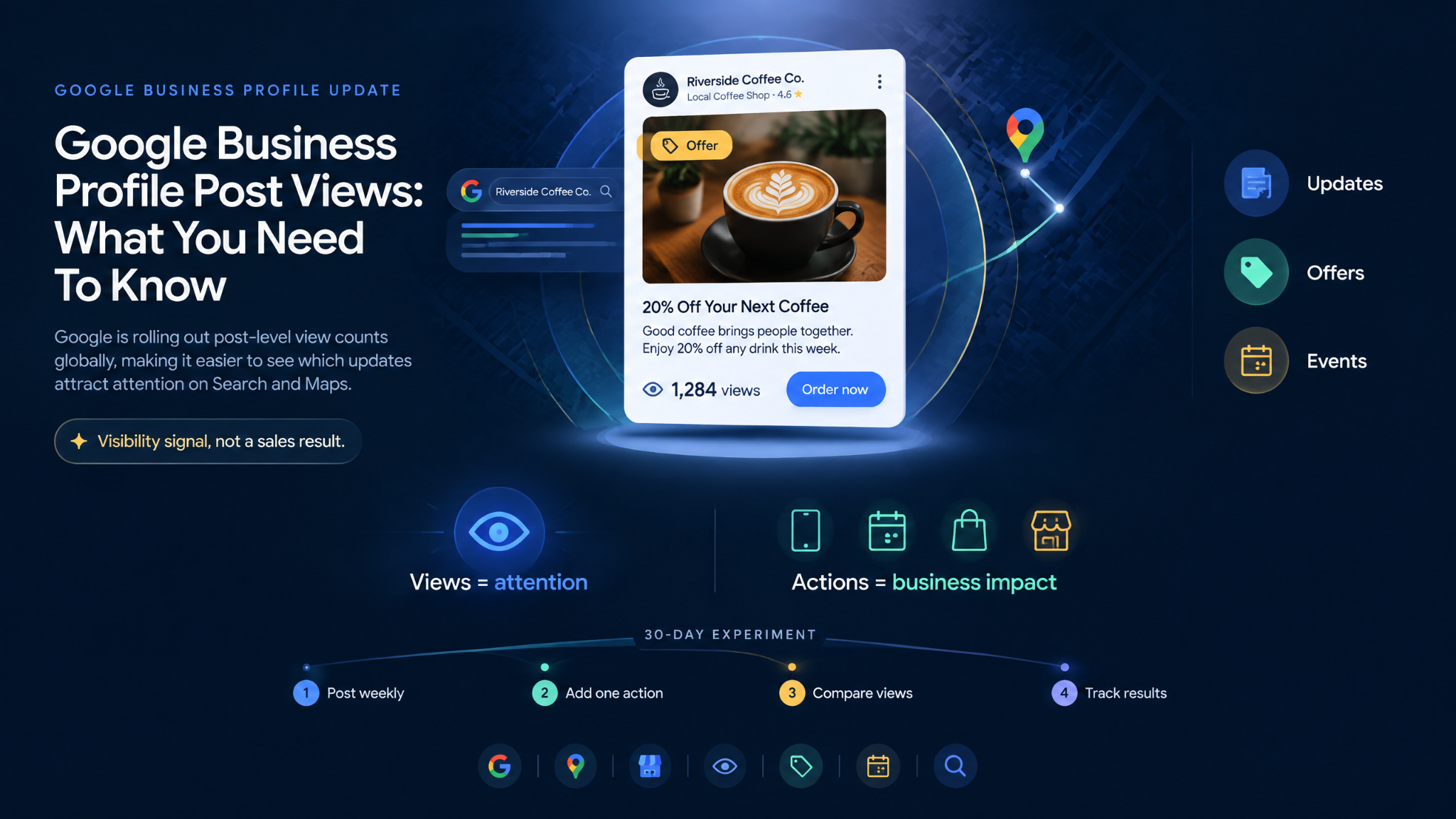
Google is rolling out post-level view counts globally, giving local businesses a clearer way to see which updates attract attention on Search and Maps.
Google Business Profile posts have always helped local businesses promote offers, events, and timely updates. The problem was simple: you could publish a post, but you had little idea whether anyone saw it.
We reviewed Google’s September 2026 announcement and checked it against the company’s current Business Profile documentation. The new reporting now gives businesses a post-by-post visibility measure.
What has changed?
The new feature, called Google Posts Reporting, adds a view count to each post card inside your Business Profile dashboard.
What the view count really tells us
We see this as a content visibility signal, not a sales result. A higher count shows that a post appeared in front of more customers, or appeared more often. It does not prove that those customers called, booked, visited, or bought.
Google has not clarified whether a post view represents a unique person or every recorded appearance. Its standard Business Profile view metric counts unique visitors and generally counts a person once per day, but Google has not confirmed that post-level views follow the same rule. So, do not call 500 post views ‘500 potential customers reached.’
How we would use it
We recommend running a simple 30-day post test:
Publish one useful post each week, such as an offer, event, new service, seasonal reminder, or product update.
Give every post one clear action, such as booking, calling, ordering, or visiting a page.
Record each post’s views after the same number of days to make performance comparisons more meaningful.
Compare like with like. Judge an Offer against another Offer, not against a longer-running Event.
Track business outcomes separately through website clicks, calls, bookings, coupon codes, or in-store enquiries.
Google’s post management guide explains where posts can appear on Search and Maps. It also notes that posts older than six months are normally archived unless they include a date range. This makes timely, specific posts more useful than generic announcements.
Our conclusion
Use views to improve your content. Use calls, bookings, sales, and visits to judge business impact.
Google has finally given local businesses a practical way to learn what earns attention. The strongest post is not automatically the one with the most views. It is the one that pairs healthy visibility with a real customer action.